Zipper
Port scan
Only SSH and HTTP are exposed. Since the web service is the most interesting attack surface, I started there.
Initial foothold
Web enumeration
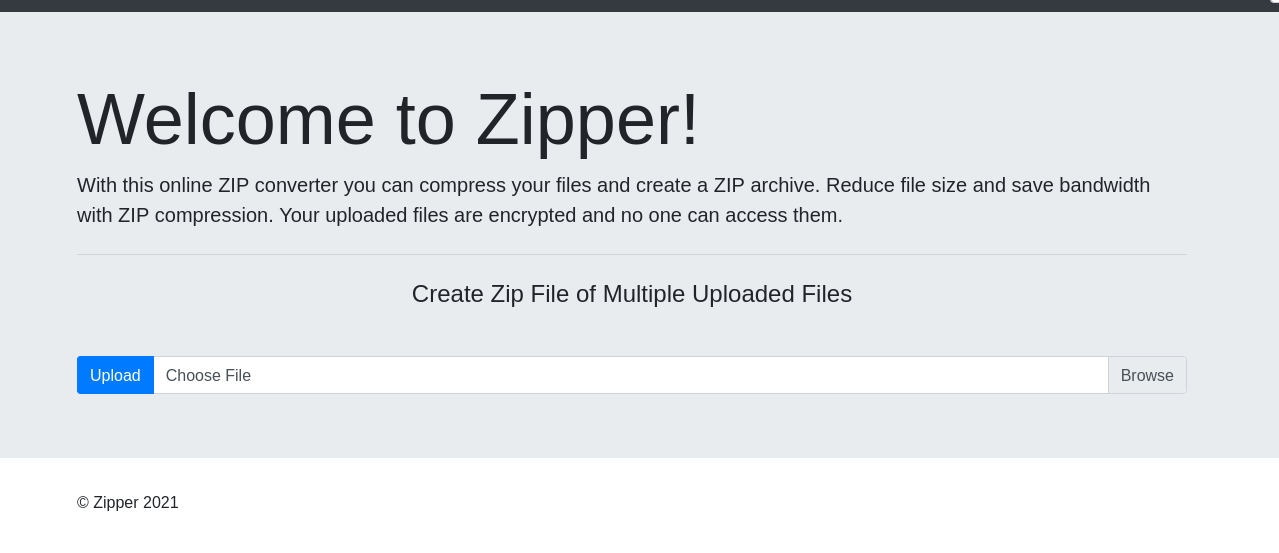
Accessing the web page reveals a simple application with a file upload function.
After uploading a test file, I noticed that the application stores uploaded archives under the uploads directory with a generated filename such as upload_1777450472.zip.
The application also accepts a file parameter and includes the requested file. Because the uploaded content remains inside a ZIP archive, I tested PHP’s zip:// stream wrapper to include a file from inside the archive.
I created a small PHP web shell named zipper:
Then I uploaded it.
The file can be reached through the ZIP wrapper by using the uploaded ZIP path and the internal filename. The # separator must be URL-encoded as %23.

After confirming command execution, I used busybox nc to catch a reverse shell.
Privilege escalation
After getting a shell as www-data, I transferred and ran pspy to look for scheduled tasks. A root-owned cron job was executing /opt/backup.sh.
The script contains the following logic:
The vulnerable part is the *.zip wildcard passed directly to 7za. The 7za utility supports list files through the @filename syntax. If a file named @root.zip exists in the working directory, 7za treats root.zip as a list file instead of a normal archive.
Since /var/www/html/uploads is writable by www-data, I created a list-file trigger and pointed root.zip to /root/proof.txt.
When the cron job runs, the shell expands *.zip, and 7za processes @root.zip. This causes 7za to read the symlinked /root/proof.txt as a list file. Each line from the root-only file is interpreted as a path to archive.
Those interpreted paths do not exist, so 7za writes warnings to /opt/backups/backup.log. Because the warnings include the missing “filenames”, the contents of /root/proof.txt are leaked into the log.
The root flag is exposed in the backup log.