Squid
initial foothold
Nmap scan
The scan results show that a Squid proxy is running on port 3128.
enumeration
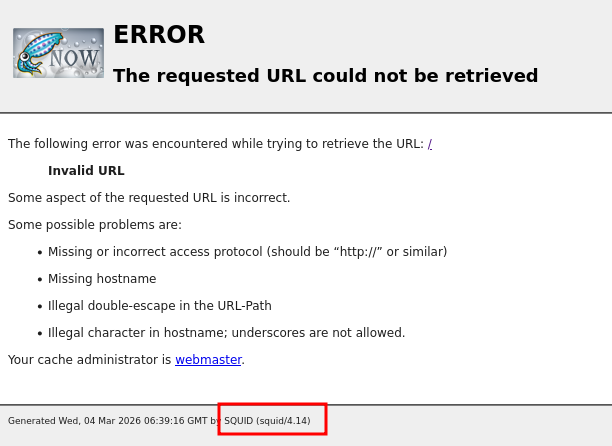
When accessing port 3128, only an error page is displayed.
At first, I had no idea what to do with this port. While researching, I found an article about enumerating Squid proxies.
According to the article we can use the tool spose.py.
This revealed that ports 3306 and 8080 were also accessible. These ports can be reached through the proxy.
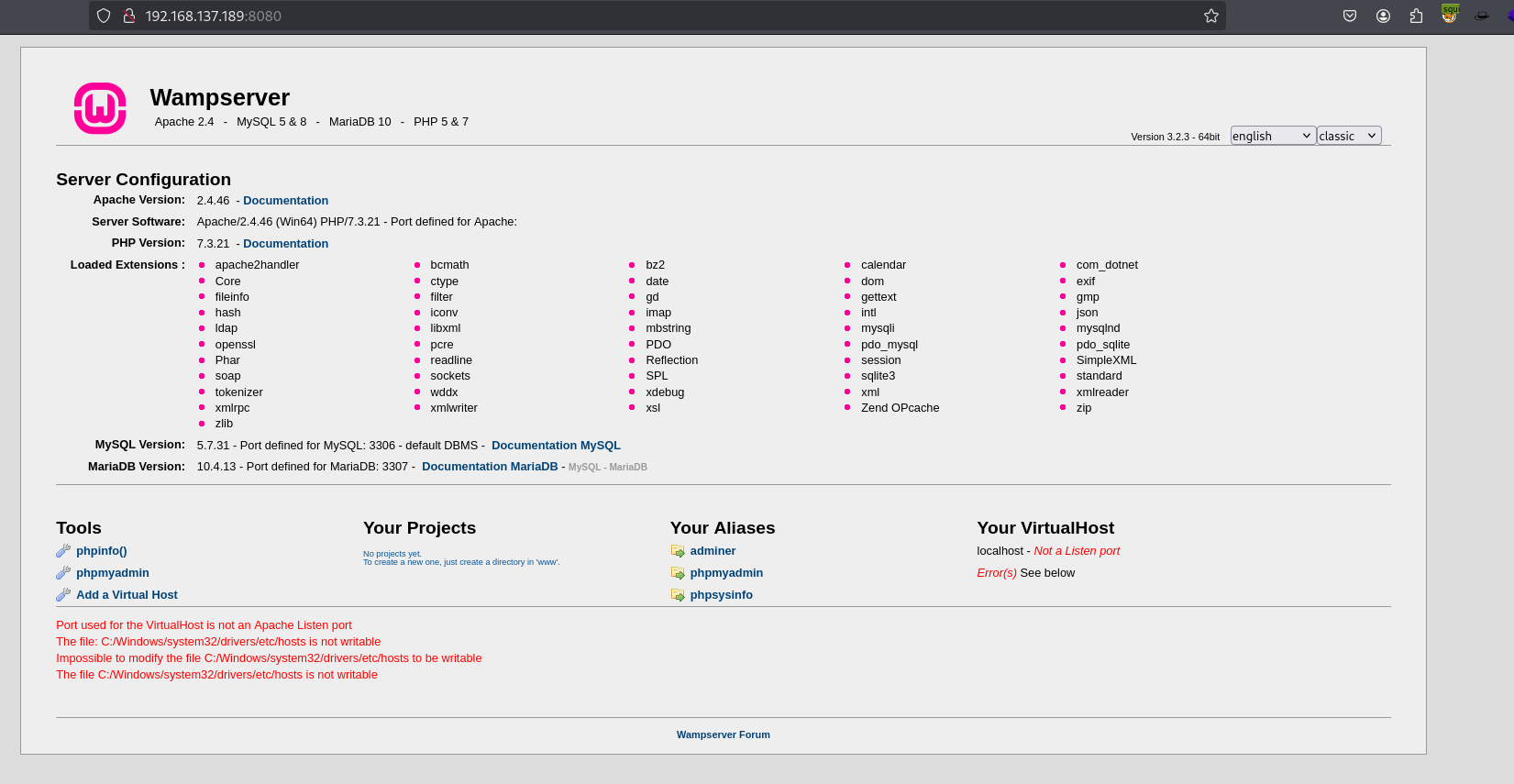
I configured proxy settings in FoxyProxy, pointing it to port 3128, and then attempted to access the web application.
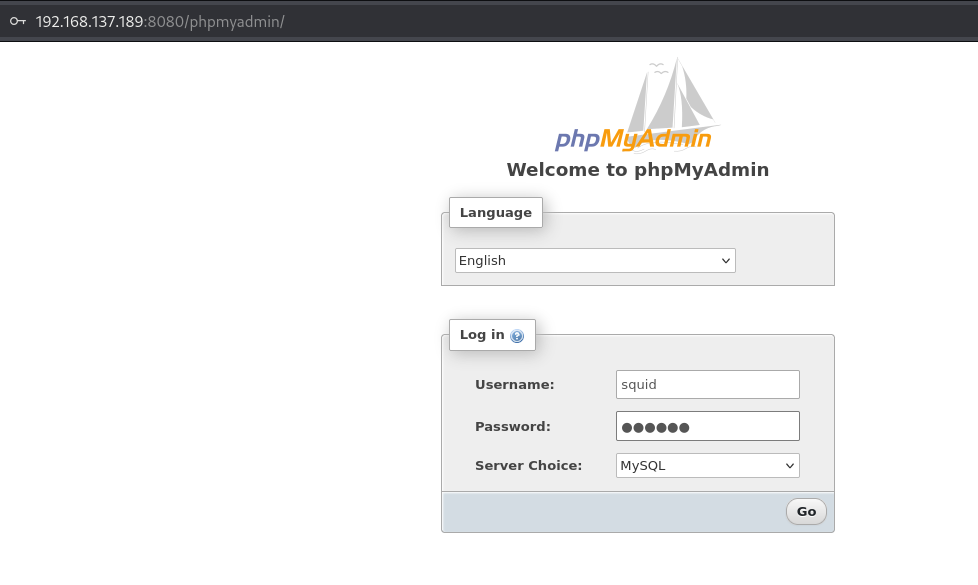
From the landing page, I found a link to phpmyadmin page.
I tried the default credentials:
root / ''
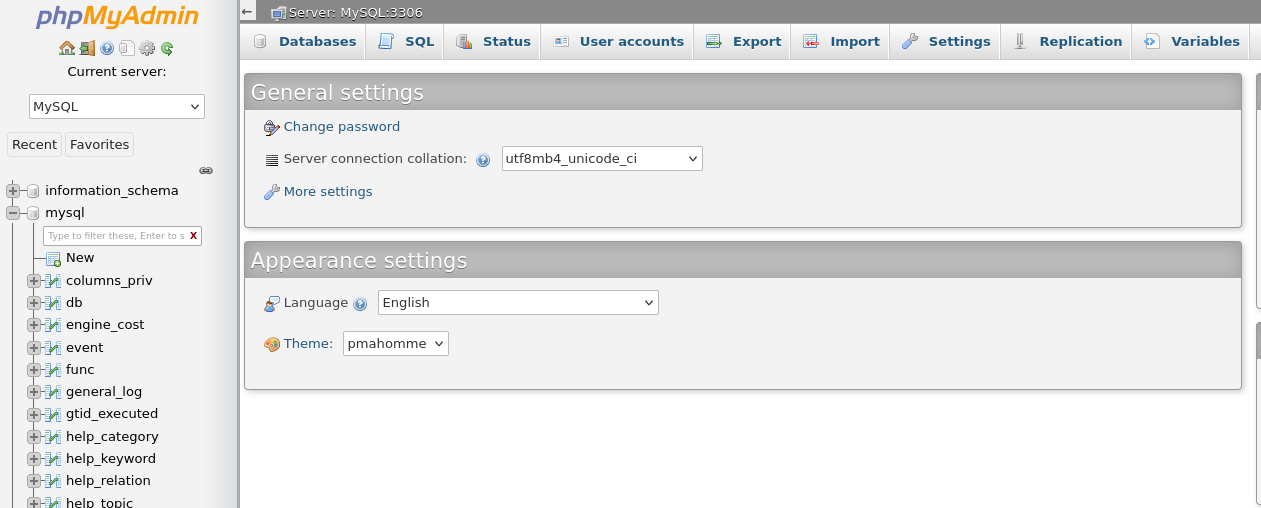
and successfully logged in.
exploitation
Using SQL statements, We can read and wirte files if we have sufficient privileges..
Since I logged in as root, I had the necessary permissions.
For example, we can read a file using:
And write a file using:
Web server’s root directory
The root directory for WAMP is C:/wamp/www.
After executing the command, navigate to the URL to confirm that it works.
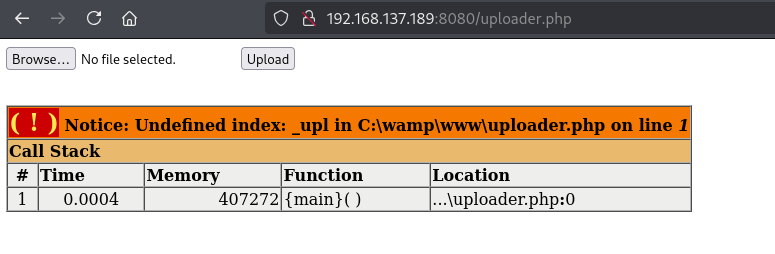
Nice! Now we can upload a reverse shell and execute it.
privilege escalation
At this point, we still couldn’t access the Administrator folder.
Check user privileges.
The account has the SeImpersonatePrivilege, which is commonly exploitable.
I moved nc.exe and godpotato.exe to target using web server.
The user has write permissions to the directory:
C:\wamp\tmp
I downloaded the files using certutil:
Finally, I obtained a reverse shell with SYSTEM privileges.