CRTO 2026 review
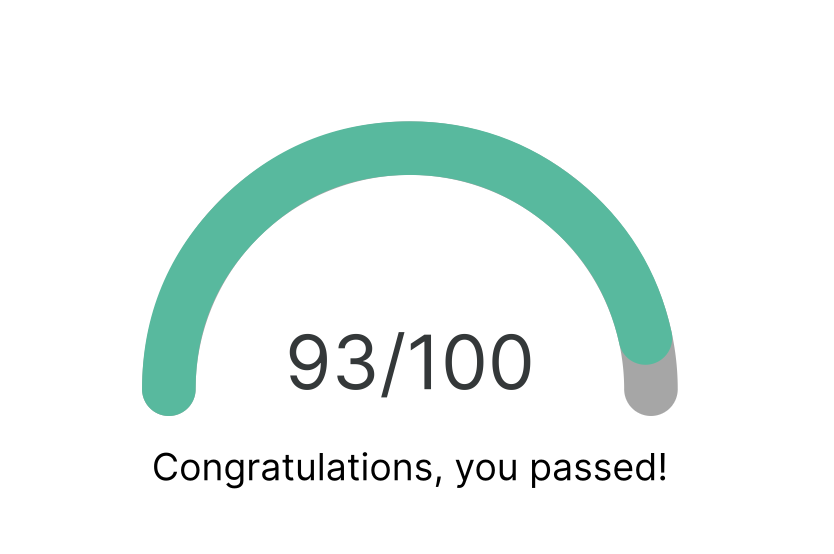
Recently I passed the CRTO exam with a score of 93.
I spent about a month preparing for the exam. For context, I already held the OSCP certification, so I had some experience with Active Directory before starting the course.
In this post, I’ll share my experience with the new version of the CRTO exam, including the format, difficulty, and a few preparation tips.
What changed in the new exam?
The previous version of the CRTO exam required candidates to capture at least six out of eight flags. The new version shifts the focus from collecting flags to completing an objective: uploading a designated file to a specific server.
OPSEC also plays an important role. Reaching the objective is not only part of the challenge; how you get there matters too. Actions that trigger detections can cost you points.
Compared with my OSCP experience, I had to pay much closer attention to how my actions might be detected.
Exam environment
The exam takes place in a large Active Directory environment spanning multiple domains. You establish an initial foothold in one domain and work your way through the environment toward the objective.
The course materials cover the techniques you need, but you need to understand when and why to use each one.
Of course the exam environment is different from the labs. Therefore, it won’t work if you just copy and paste commands from the lab contents.
You need to understand what each command does.
Difficulty
With an OSCP background, I found the exam manageable. Familiarity with Active Directory helped, although I felt that CRTO required a deeper understanding of AD than OSCP did.
If you’re new to Active Directory, expect to spend more time learning the underlying concepts rather than just practicing commands.
Another adjustment was working through Cobalt Strike, the command-and-control (C2) platform used in the course and exam. This was my first time using a C2 platform, so I needed some time to get comfortable with the workflow. Once I did, I found it convenient for managing sessions and carrying out operations.
For me, the difficulty came down to two things: understanding Active Directory and becoming comfortable with Cobalt Strike.
Thoughts
One thing I appreciated was the unlimited exam retakes. At the time of my exam, an unsuccessful attempt came with a one-week cooldown before you could try again. Once you passed, however, you could no longer retake it.
This made me more willing to attempt the exam without feeling that I had to prepare perfectly beforehand.
For OPSEC, the methods demonstrated in the course labs were a useful starting point. Still, it’s important to understand why those methods are used rather than treating them as a checklist.
Pay particular attention during lateral movement. It’s easy to focus on reaching the next machine and overlook the processes your actions create—and those processes can be monitored too.
Tips
Here are some tips.
- Don’t wait until you feel completely ready. Once you’ve worked through the course and labs, consider taking the exam. With unlimited retakes, an unsuccessful attempt can help you identify gaps in your understanding.
- Return to the course materials when you get stuck. Review the relevant section carefully. You may have overlooked a prerequisite or a small but important detail.
- Understand the commands instead of memorizing them. The exam requires you to adapt techniques to a different environment. Know what each command does, what it depends on, and which values need to change.
- Keep well-organized notes. There’s a lot to remember. Group commands by task, and include prerequisites, explanations, and common pitfalls so your notes are useful under exam conditions.